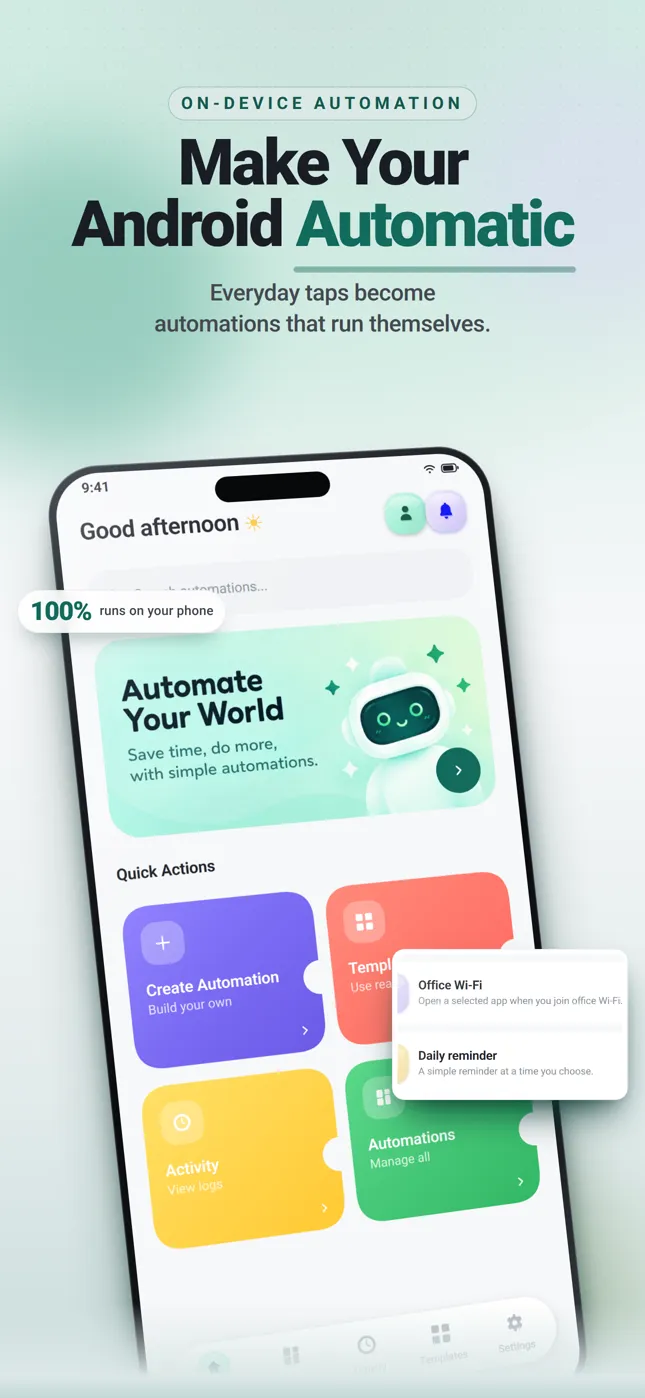
Make your Android work for you.
One trigger, optional conditions, one action. Flowbot runs automations on your phone — battery, Wi-Fi, schedules and calls in, notifications, webhooks and AI prompts out. Nothing leaves the device unless you send it somewhere yourself.
- Android 8.0+
- On-device
- No account
- 12
- Triggers
- 9
- Actions
- 13
- Templates
- 0
- Accounts
Trigger → conditions → action.
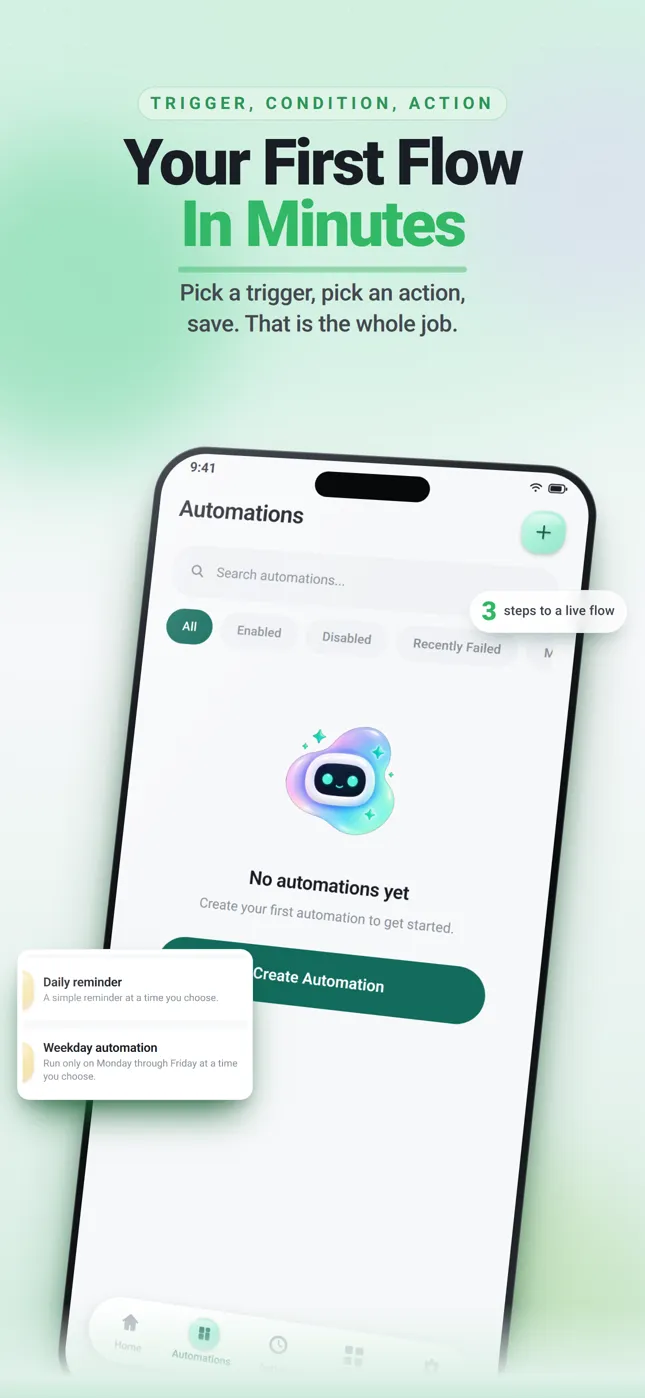
The builder is three steps: name and trigger, optional conditions, then the action. That is the whole model — no graphs to learn.
Name & trigger
Pick one of 12 triggers: a time, a battery state, Wi-Fi or internet, a call event, an inbound webhook, or run it by hand.
Conditions (optional)
Filter the run before it happens — for example: call duration greater than 60 seconds. Leave it empty to always run.
- equals
- not equals
- contains
- starts with
- ends with
- is empty
- is not empty
- greater than
- less than
- greater or equal
- less or equal
- between
Action
One of 9 actions — notify, send a webhook, open an app or URL, run an AI prompt, set a variable, log, stop, or no-op.
12 triggers today.
Not dozens. Twelve, each with a running implementation.
Battery
3 triggers- Battery below threshold
battery.below - Battery fully charged
battery.full - Charging started
battery.charging_started
Calls
3 triggers- Call Ends
call.ended - Incoming call
call.incoming - Missed call
call.missed
Time
2 triggers- Daily at a set time
time.daily - Weekdays schedule
time.weekdays
Connectivity
2 triggers- Wi-Fi connected
connectivity.wifi_connected - Internet unavailable
connectivity.internet_unavailable
Web
1 trigger- Webhook received
web.webhook_received
Manual
1 trigger- Run manually
manual.run
9 actions to finish the job.
Every automation ends in exactly one of these. No chains, no branches.
Show Notification
Post a notification on the device.
Send Webhook
POST, GET, PUT, DELETE and more to an HTTPS endpoint you own.
Open App
Launch an installed app.
Open URL
Open a link in the browser.
Run AI Prompt
Mock provider, or your own OpenAI-compatible endpoint.
Set variable
Store a value for the rest of the run.
Log message
Write a line into the run's activity record.
Stop automation
End the run early.
No operation
Do nothing — useful while testing the logic.
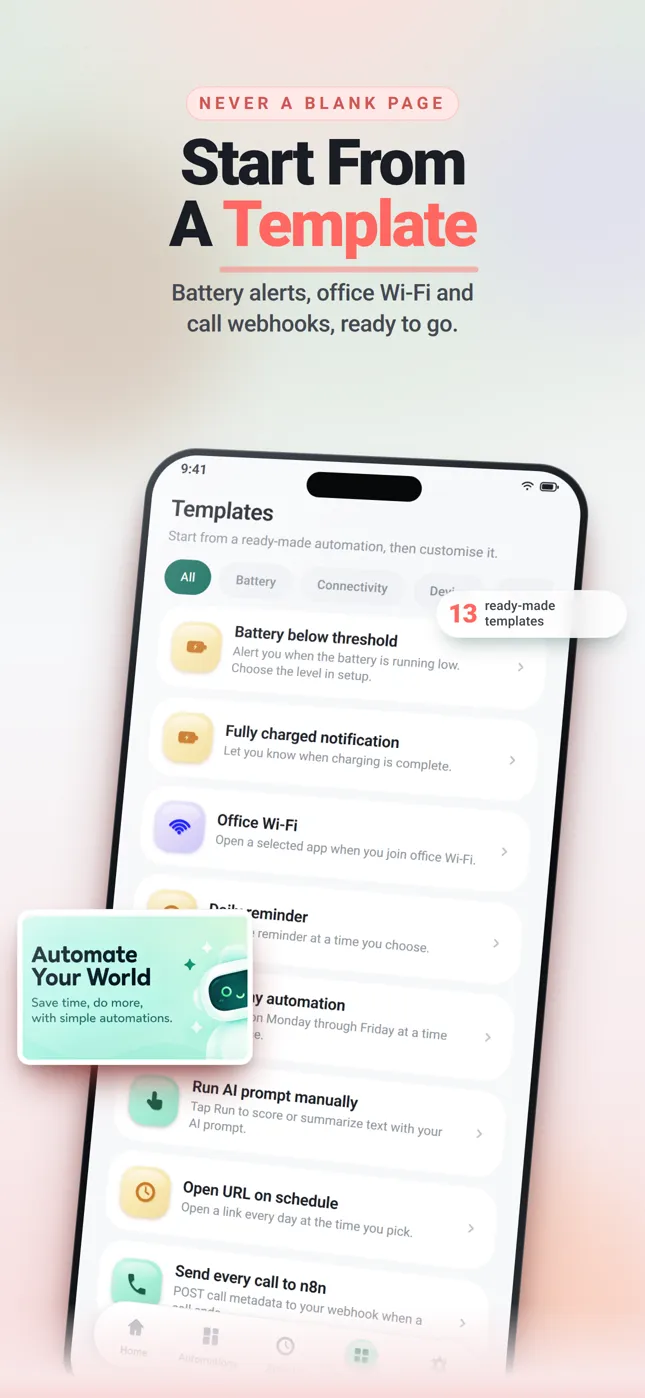
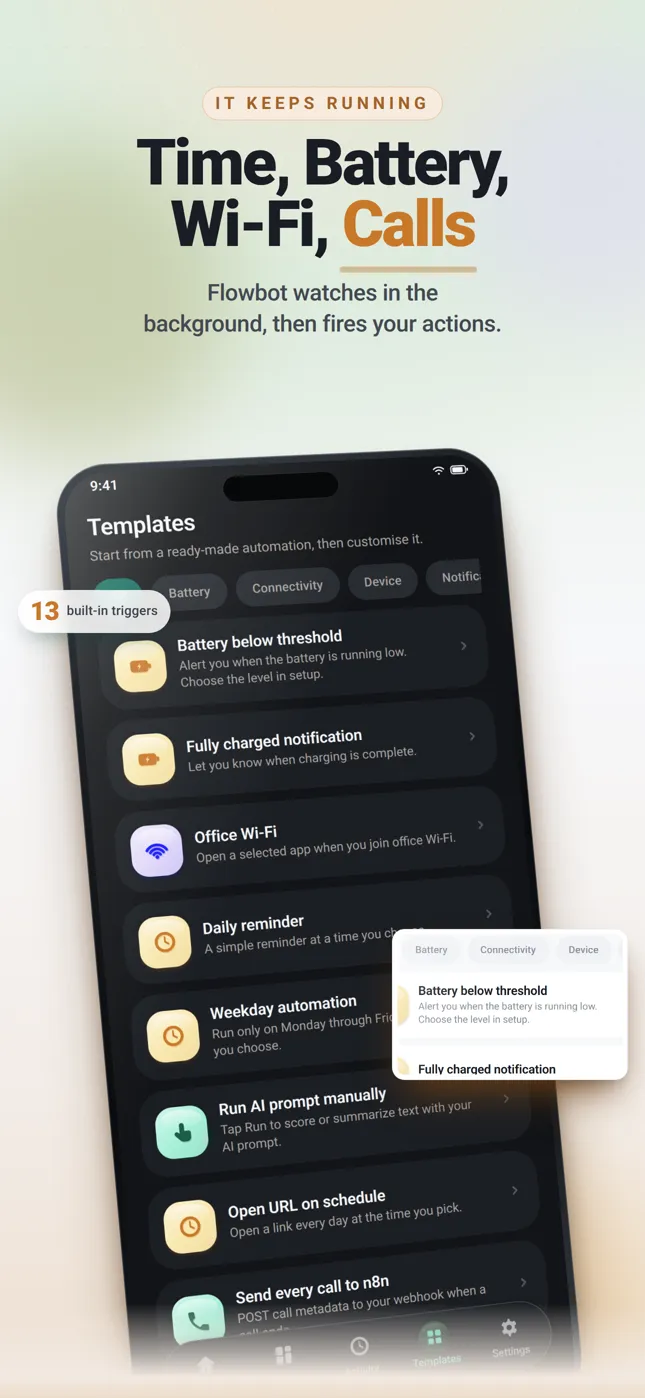
13 templates ship in the app.
Start from one and edit it, or build from scratch. Categories are the app's own: Calls, Battery, Connectivity, Device, Notifications, Time, Files, Location, Calendar, AI, Web, Manual.
Showing 13 of 13 templates.
- Battery below threshold
- Fully charged notification
- Office Wi-Fi
- Daily reminder
- Weekday automation
- Run AI prompt manually
- Open URL on schedule
- Send every call to n8n
- Send missed calls to webhook
- Send long calls to webhook
- Notify after missed call
- Save call metadata
- Send call recording with webhook
Send every call to n8n.
Outbound webhooks are HTTPS-only (http://localhost is allowed for local testing). Pick the method — GET, POST, PUT, DELETE, PATCH, HEAD, OPTIONS, TRACE — add custom headers and a bearer token, set a timeout, and write the JSON body yourself. Failures retry. Inbound, a local webhook Intent can trigger an automation.
{
  "event": "{{event_type}}",
  "automation": "{{automation_name}}",
  "call_id": "{{call_id}}",
  "phone": "{{phone_number}}",
  "contact": "{{contact_name}}",
  "direction": "{{call_direction}}",
  "duration_sec": "{{call_duration}}",
  "started_at": "{{call_start_time}}",
  "ended_at": "{{call_end_time}}",
  "state": "{{call_state}}"
}
HTTPS only
Outbound requests must be HTTPS. http://localhost is the one exception, for local testing.
Headers & bearer token
Custom headers and a bearer token per webhook, plus a request timeout.
{{variables}}
Body templates interpolate run values with double-brace syntax.
Retries
A failed delivery is retried, and the outcome is written to Activity.
n8n, Make or your own server all work — they are destinations you configure, not built-in integrations.
Bring your own endpoint.
AI is optional. Use the built-in mock provider, or point Flowbot at your own OpenAI-compatible HTTPS endpoint with your key and model name.
Built-in mock provider
Runs with no network at all. It is what Test Mode always uses, so you can shape a prompt before it reaches a real model.
Your own endpoint
Point Flowbot at any OpenAI-compatible HTTPS endpoint with your own key and model name.
No key of ours
Flowbot ships no AI service and no API key. If you do not configure one, nothing is called.
The only data that leaves is what you send.
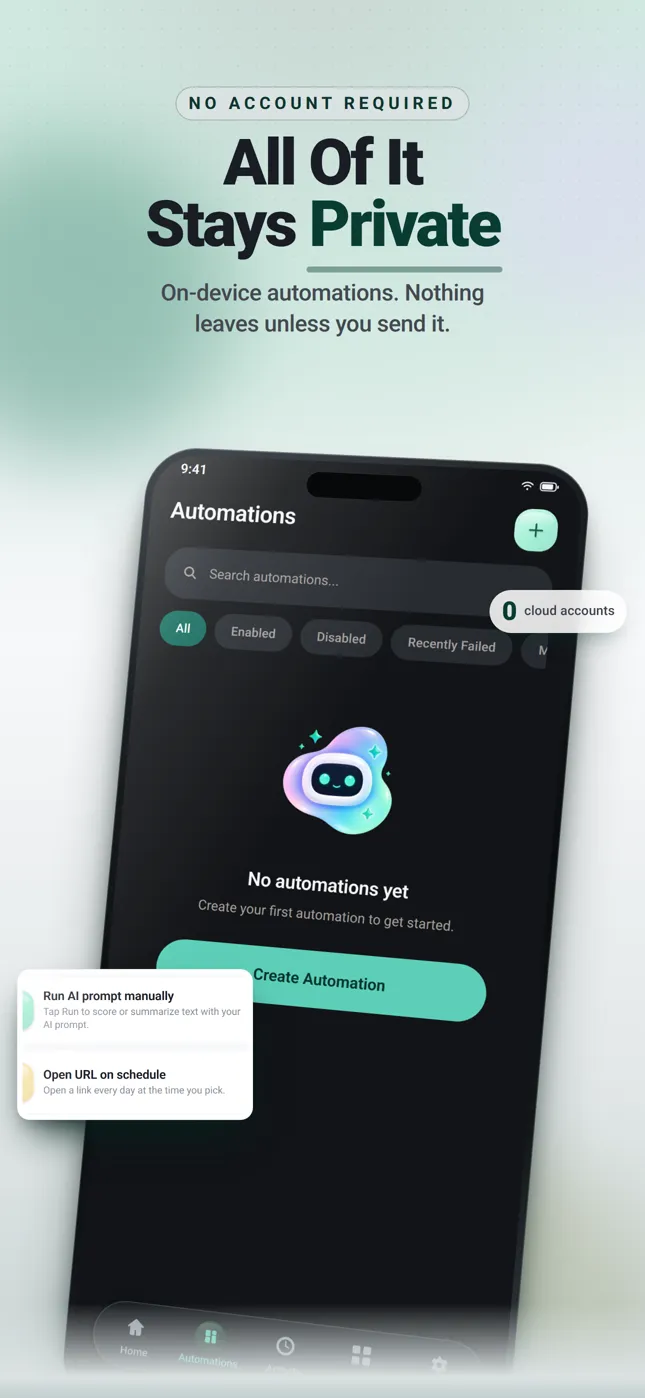
No Flowbot account. No Flowbot cloud. No sync. Automations, run history and call metadata stay on the device.
Stays on device
- Your automations, conditions and variables.
- Run history and execution details.
- Call metadata — number, contact, direction, duration, times. Never audio.
- Phone numbers are masked in activity snapshots.
Leaves only when you send it
- Webhook payloads you write, to endpoints you configure.
- AI prompts, if you connect your own endpoint and key.
- That is the whole list.
Privacy Center
A masking toggle for tokens, secrets and phone numbers. Export a data inventory. Separate deletes for local data, activity history, call recording metadata, AI results and automations.
Permission Center
Every permission with the reason it is needed, shown before Flowbot asks — call log, phone, contacts, music & audio, notifications, location, exact alarms. Permissions are requested only when a saved automation needs them, including right after you save a call→webhook workflow. Contacts and music & audio are optional. Call Log is a Play-restricted permission.
Every run is on the record.
Each run stores its status, trigger label, timestamp, duration and error message. Open a run to see its variables, with sensitive values masked. Filter by All, Enabled, Disabled or Recently Failed.
Test Mode runs automations against simulated events. It never mixes in real device data and always uses the mock AI provider — try the logic before it touches anything.
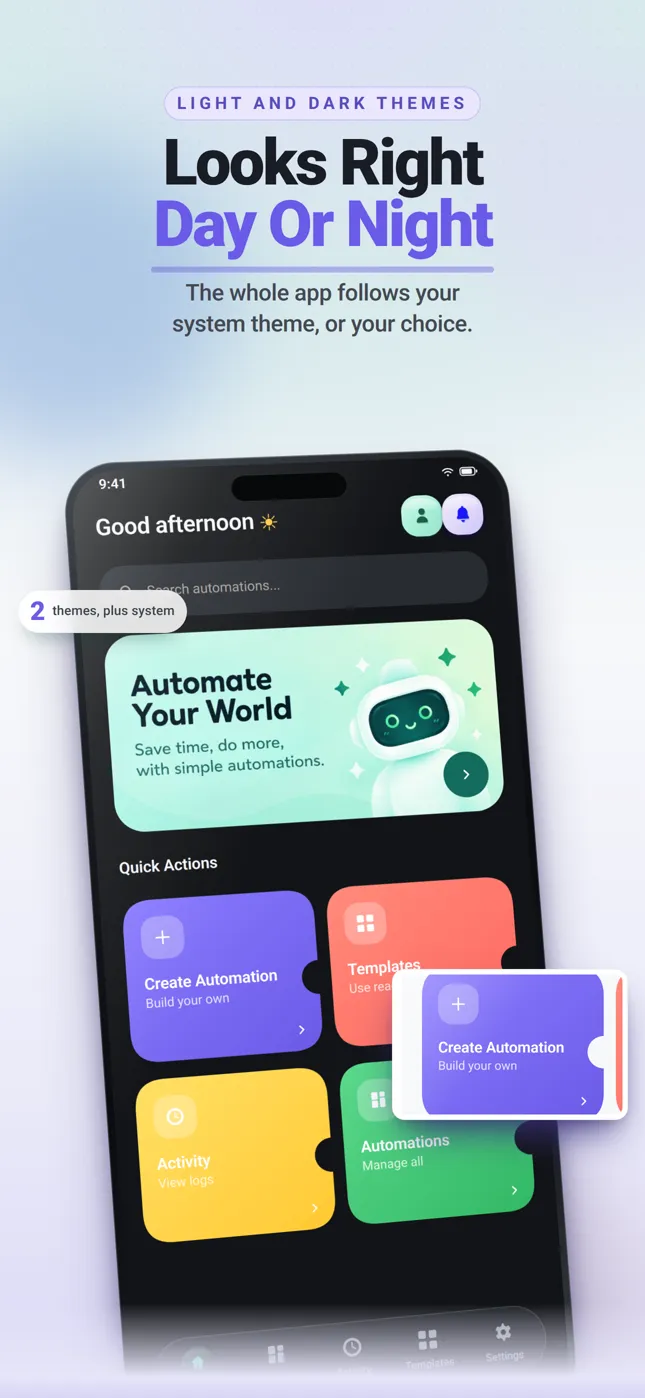
Looks right day or night.
System, Light or Dark — the app follows your phone, and so does this page. Both themes are built, not an afterthought.
Straight answers.
Everything below is true of 0.15.0 today.
Is Flowbot free?
Flowbot 0.15.0 has no paid plan, no subscription and no in-app purchase.
Is it on the Play Store?
Not yet. Flowbot is not published on Google Play, so there is no download link, no install count and no rating to show.
Does it record calls?
Flowbot works with call metadata — number, contact, direction, duration, start and end time, state. It never captures call audio.
Does my data leave my phone?
Only what your own automations send to endpoints you configure. Automations, run history and call metadata are stored on the device.
Do I need an account?
No. There is no Flowbot account, no Flowbot cloud and no sync.
Which Android versions?
Android 8.0 and newer (minSdk 26). Android only — no iOS, web or desktop app.
Do I need an AI key?
No. AI prompts are optional. A built-in mock provider runs with no network, and Test Mode always uses it. To use a real model you bring your own OpenAI-compatible HTTPS endpoint, key and model name.
Can I self-host the webhook endpoint?
Yes. Any HTTPS endpoint works, including your own server, n8n or Make. http://localhost is allowed for local testing.
Why does it want call log permission?
Call triggers need it to see that a call started, ended or was missed. Call Log is a Play-restricted permission, so the Permission Center explains the reason before Flowbot asks, and only asks once a saved automation needs it.
Flowbot 0.15.0 is not on Google Play yet.
There is no download link today. Leave an address if you want one line when it ships.
This form is not wired up yet — it stores nothing and sends nothing anywhere.